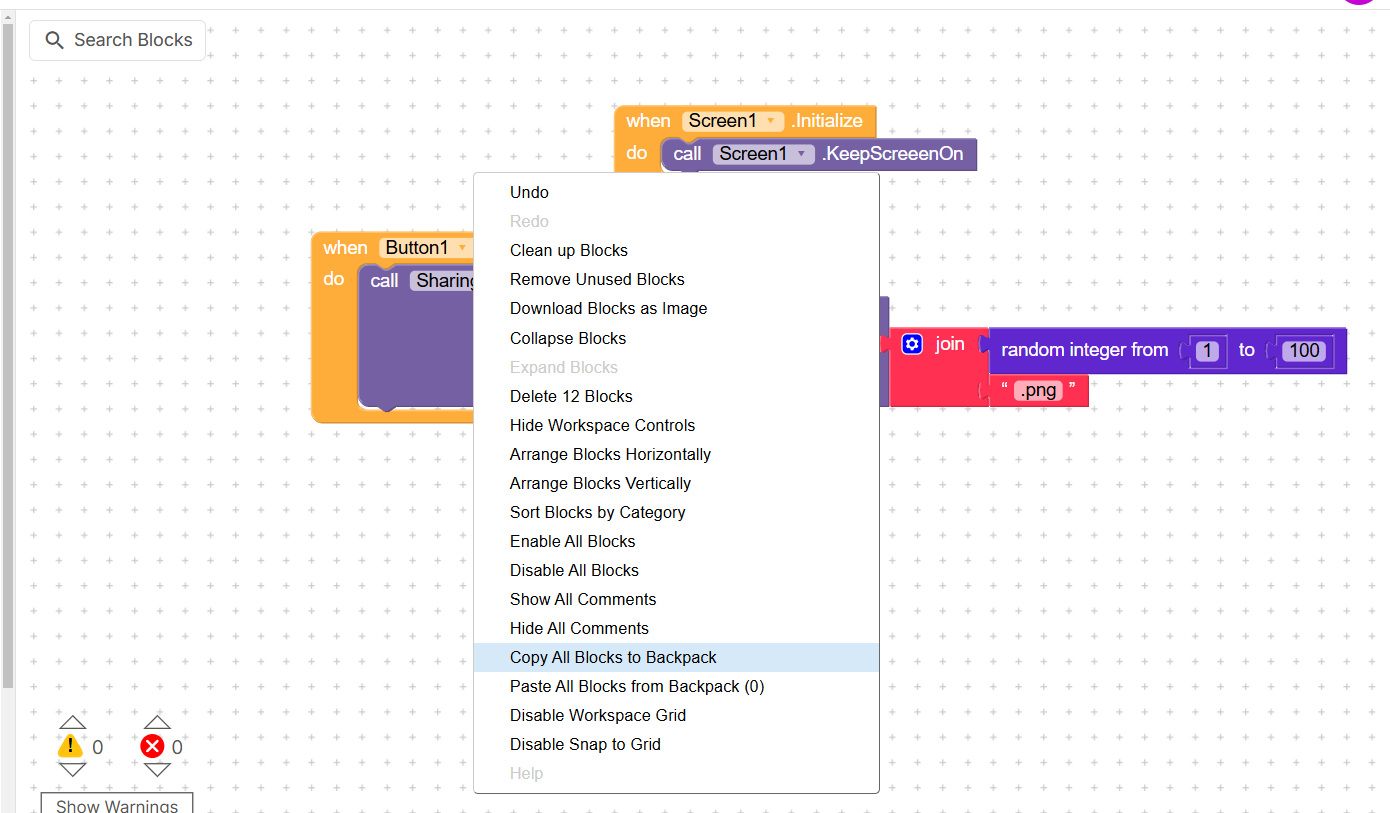
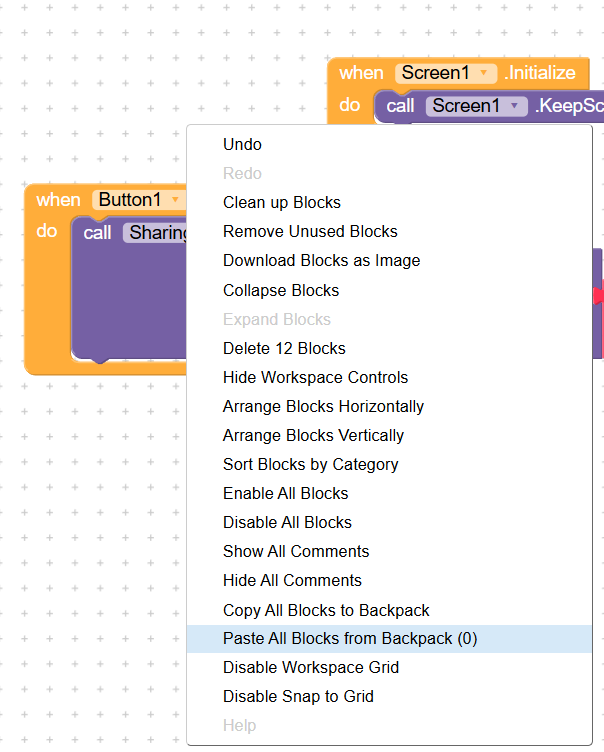
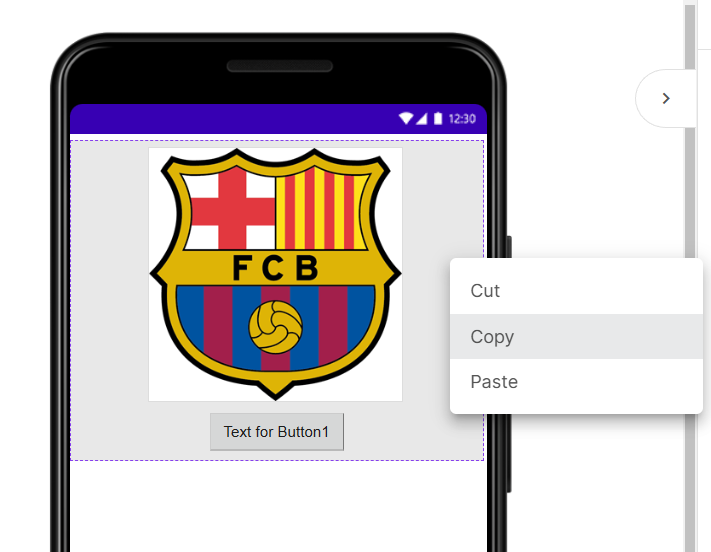
Suppose i have 2 project is demo1, demo2,
I want use demo1 home screen in demo2 project, How to do
Blockquote
Suppose i have 2 project is demo1, demo2,
I want use demo1 home screen in demo2 project, How to do
Blockquote
try this
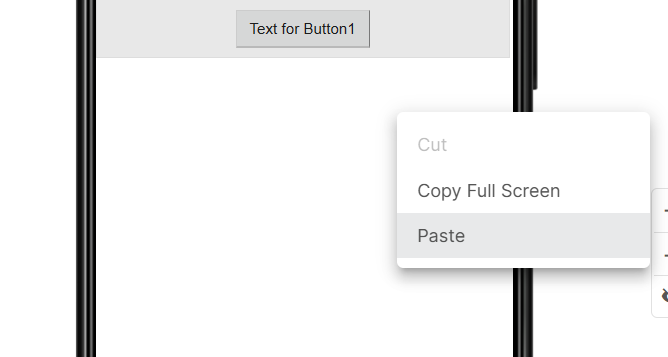
@mrhridoyvi you can simply use CTRL+A to copy the full screen and paste it in another project using CTRL+V and for blocks simply add to backpack and then go to other project and paste blocks.
Block are not saved in permanently back pack.
@mrhridoyvi this bug is already reported
Yesterday i pay for premium subcription, but not active my subcription. help me
@mrhridoyvi send your email and payment details in DM