#  BlockLens - Advanced AIA Viewer & AIX Analyzer

**Hello Community!** 
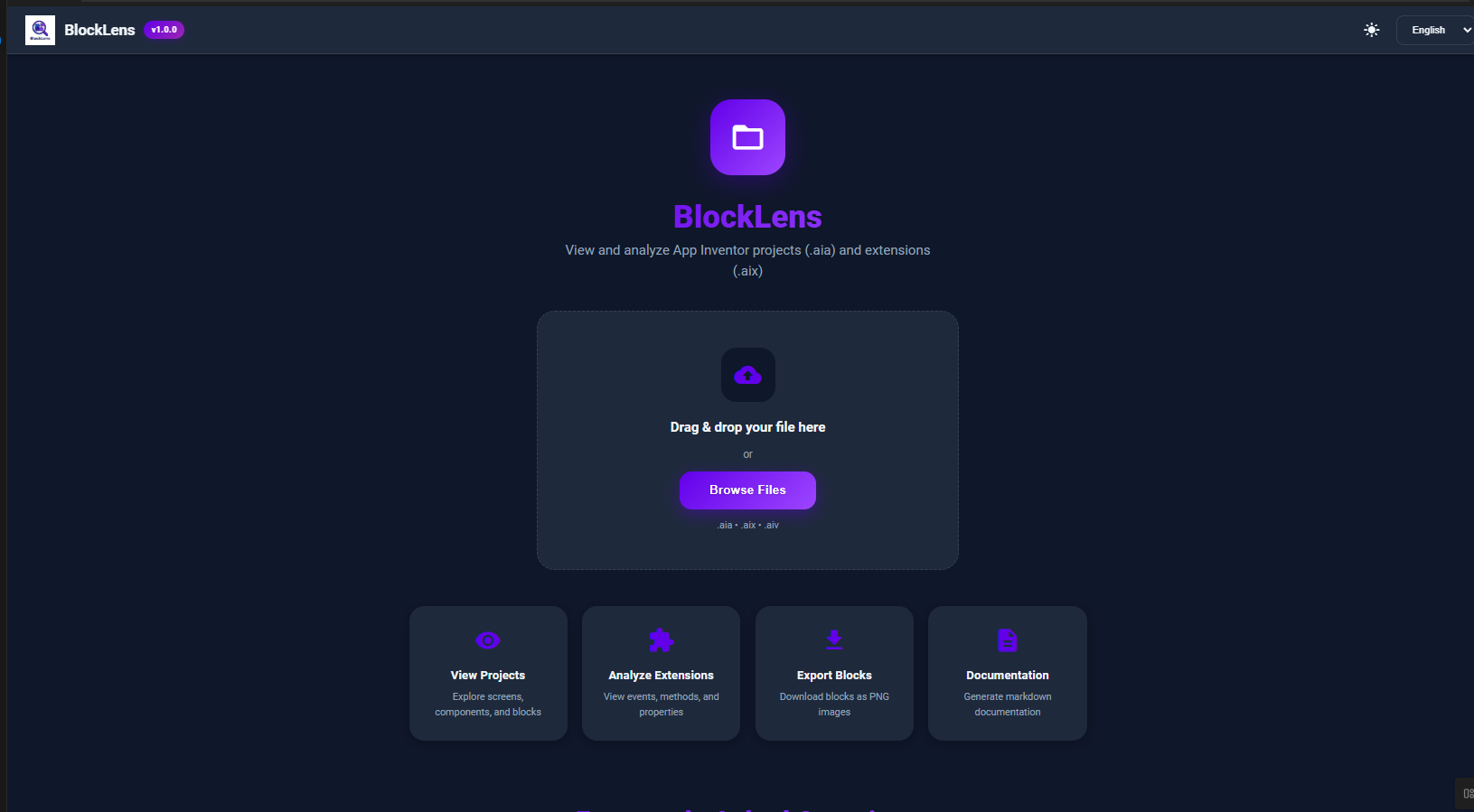
I am excited to share **BlockLens**, a powerful, open-source web tool designed to help you analyze, view, and document your App Inventor, Kodular, and Niotron projects without needing to import them into the builder.
This tool is built upon the original [ai-unchive](GitHub - Kodular/ai-unchive: AIA Viewer for Kodular · GitHub) library but has been significantly supercharged with features specifically for extension developers and power users.
-–
##  What is BlockLens?
**BlockLens** allows you to:
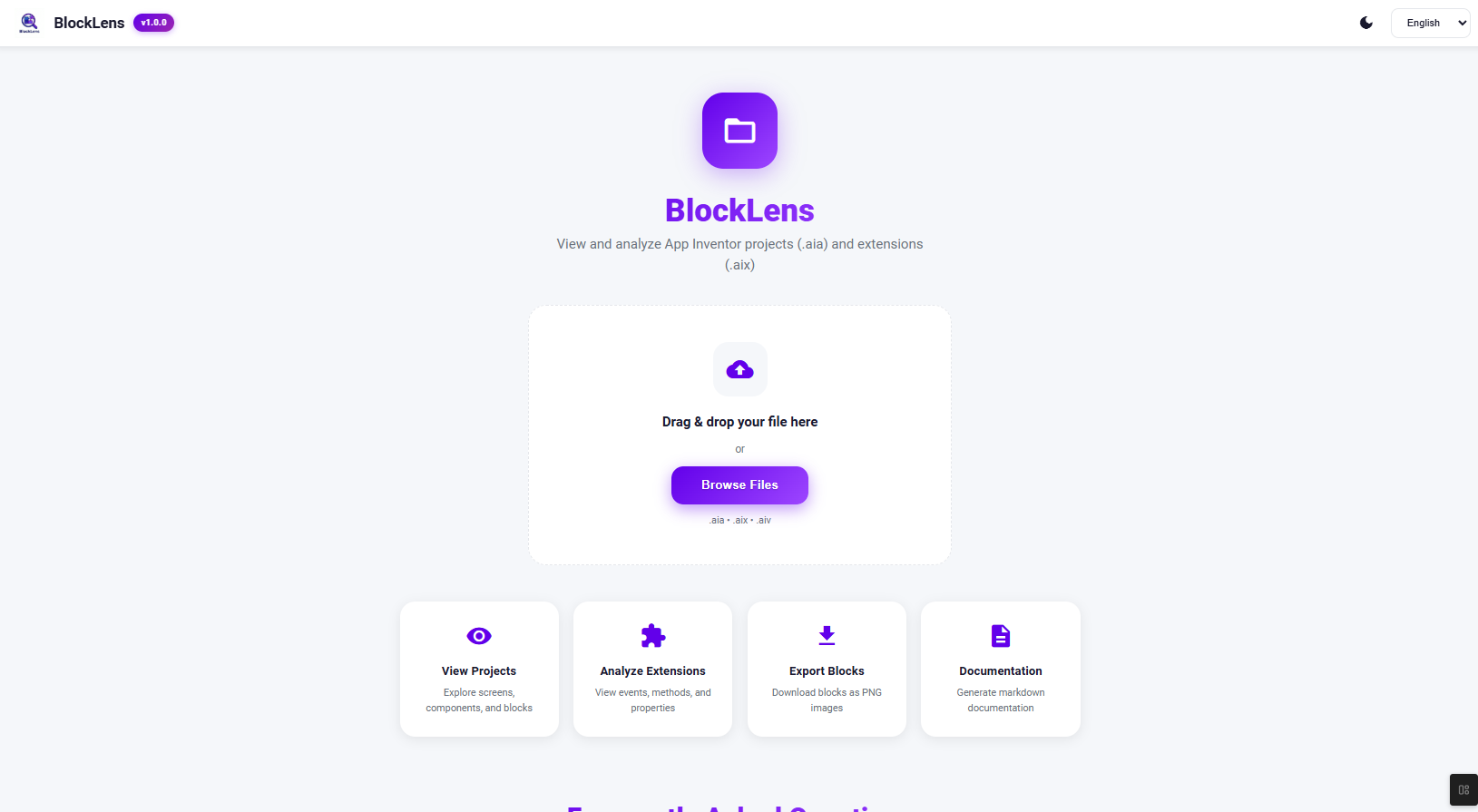
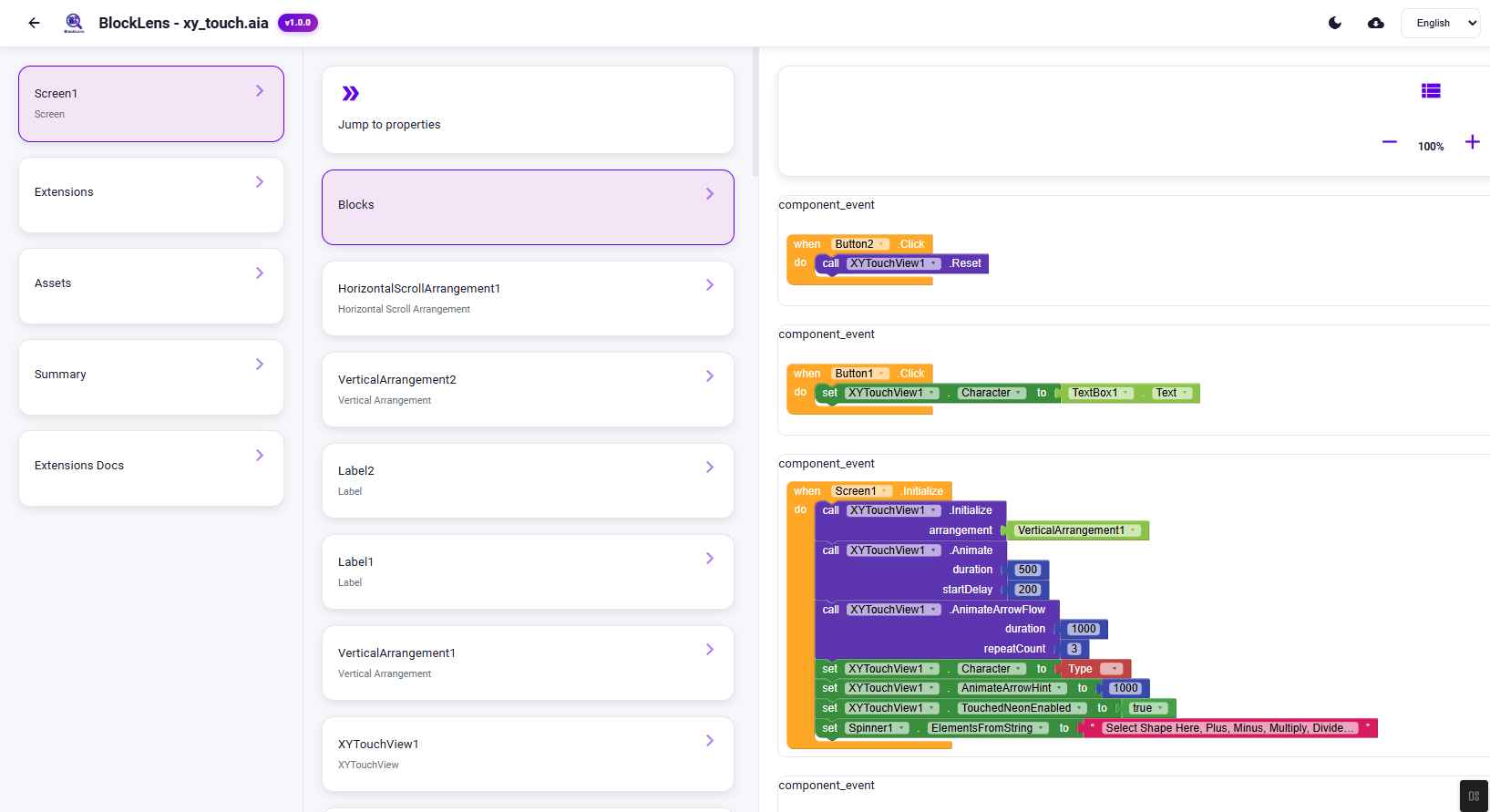
1. **View AIA Projects**: Explore screens, blocks, and assets of any `.aia` file.
2. **Analyze AIX Extensions**: Drag & drop an `.aix` file to see all its internals (methods, events, properties).
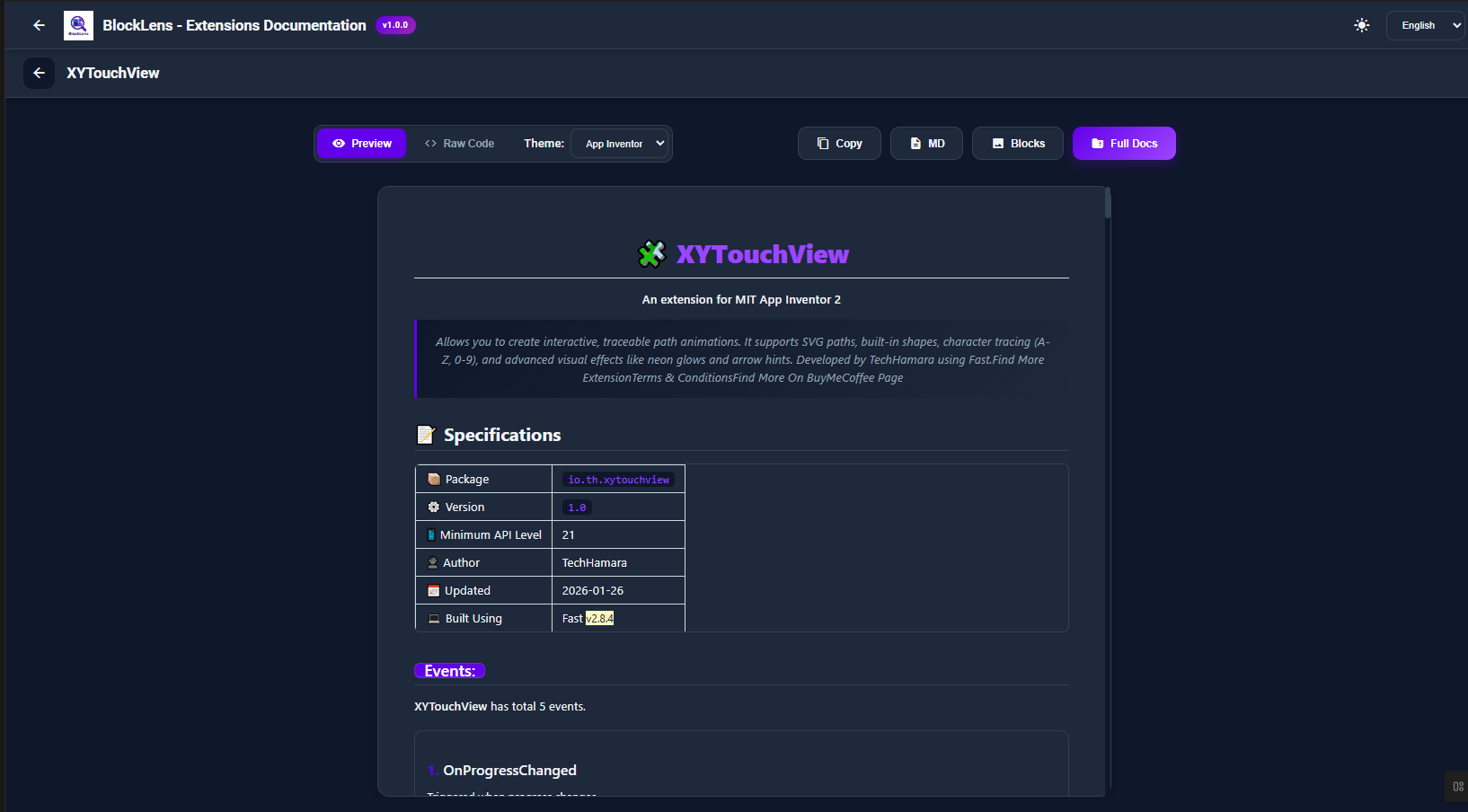
3. **Generate Documentation**: Auto-generate beautiful Markdown documentation for your extensions.
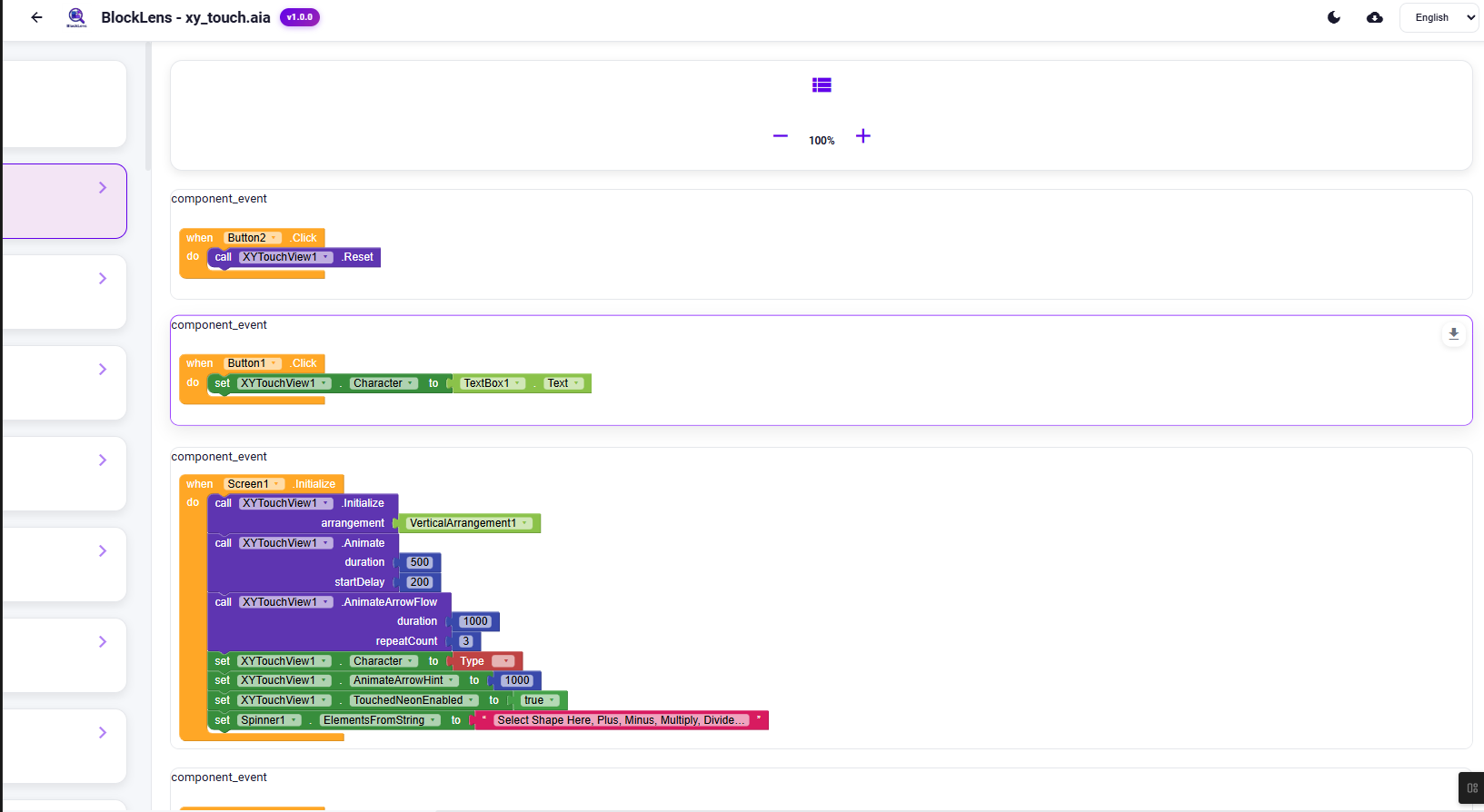
4. **Export Blocks**: Download high-quality PNGs of your blocks for tutorials or documentation.
-–
##  Key Features
### 1.  Project Viewer (AIA)
- **Screen Explorer**: Navigate through all screens in your project.
- **Block Viewer**: View all your logic blocks with high-fidelity rendering (uses MIT App Inventor Blockly).
- **Asset Manager**: Organize and preview project assets.
- **Export Blocks**: Download high-quality PNGs of Separate blocks for tutorials or documentation.
- **Page Layout**: View all your page layouts in List View and Grid View.
- **Block Scale**: Zoom in and out of blocks on Fingers Scale.
### 2.  Extension Analyzer (AIX)
Stop guessing what an extension does! Upload the `.aix` via BlockLens and see:
- **Events, Methods, & Properties**: Neatly organized with type information.
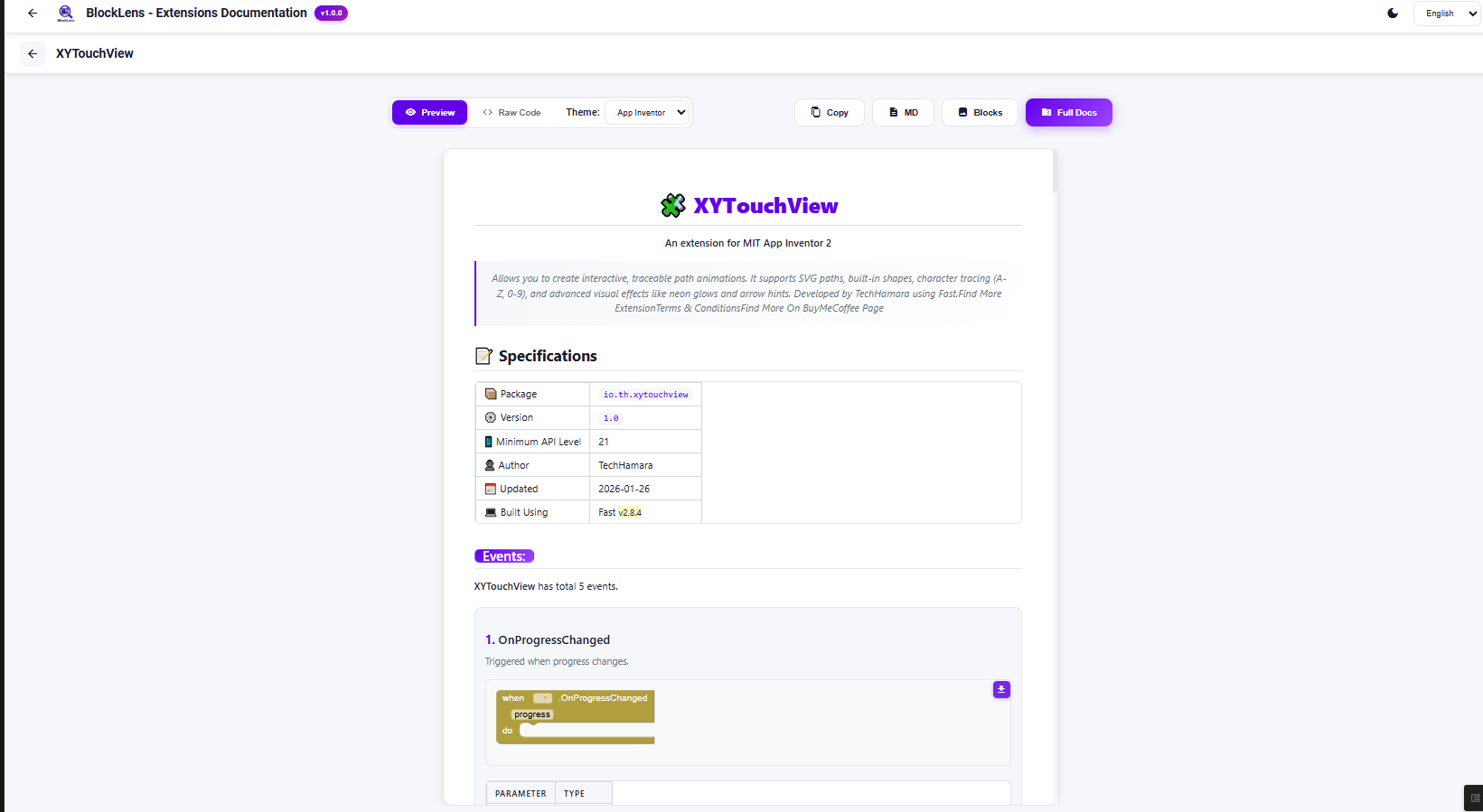
- **Smart Helpers**: It even renders dropdown helpers for property blocks, just like in the builder.
- **Theme Switcher**: View blocks in **App Inventor**, **Kodular**, or **Niotron** color themes!
- **Bulk Export** - Download full documentation (Markdown + Images) as a ZIP file
- **Auto Documentation** - Generate professional markdown docs with one click
### 3.  Documentation Generator (For Developers)
Extension developers, this is for you!
- **One-Click Docs**: Generate a full `README.md` ready for GitHub.
- **Block Images**: Automatically generates and zips PNG images of all your blocks.
- **Preview vs Raw**: Toggle between a rendered preview and raw Markdown code.
-–
##  How to Use
### Viewing a Project (.aia)
1. Go to **[BlockLens Live Demo](BlockLens: View App Inventor projects)**.
2. Drag and drop your `.aia` file.
3. Use the left sidebar to navigate Screens and Assets.
### Generating Extension Docs (.aix)
1. Open **[BlockLens](BlockLens: View App Inventor projects)**.
2. Upload your `.aix` extension file.
3. The tool will display all blocks.
4. Click **“Full Docs”** in the top right to download a ZIP containing:
-
`documentation.md` (Formatted text)
-
`blocks/` folder (High-quality PNGs of every block)
-–
##  Professional Themes
We support multiple block styles to match your favorite builder:
-  **App Inventor** (Classic Gold/Yellow)
-  **Kodular** (Modern Purple/Blue)
-  **Niotron** (Vibrant Green/Android)
-–
##  Open Source & Credits
This project is fully open source!
- **Source Code**: [GitHub Repository](GitHub - TechHamara/BlockLens: 🚀 BlockLens - Advanced AIA Viewer & AIX Analyzer · GitHub)
- **Original Library**: [Kodular/ai-unchive](GitHub - Kodular/ai-unchive: AIA Viewer for Kodular · GitHub)
Feedback and contributions are welcome!