Every time Niotron releases an update, it seems to break things that were already working correctly. As developers, this creates a great deal of frustration and unnecessary effort. Features that function properly end up being affected, while many of the issues that actually need attention remain unresolved.
This is disappointing from both Niotron and its development team. Many of us continue using the platform because we have invested time and projects into it, not because there are no alternatives. In fact, there are several more mature and stable options available.
A platform should prioritize stability, reliability, and thorough testing before deploying changes to production. Releasing updates that introduce new problems only reduces user confidence and makes development more difficult for everyone who depends on the platform.
We haven’t released an update to the builder anytime soon. The only update that was released recently was to the beta version of the builder which is meant for early access and less stable updates.
There are many things that change during an update and user’s projects are complicated that we cannot test each and every single scenario. We request users to test their existing projects in the beta version and report bugs and issues they face so that we can patch that in the beta version and release a stable update to the main app builder.
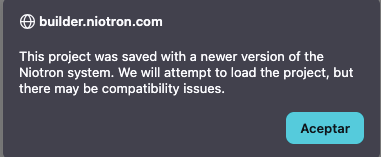
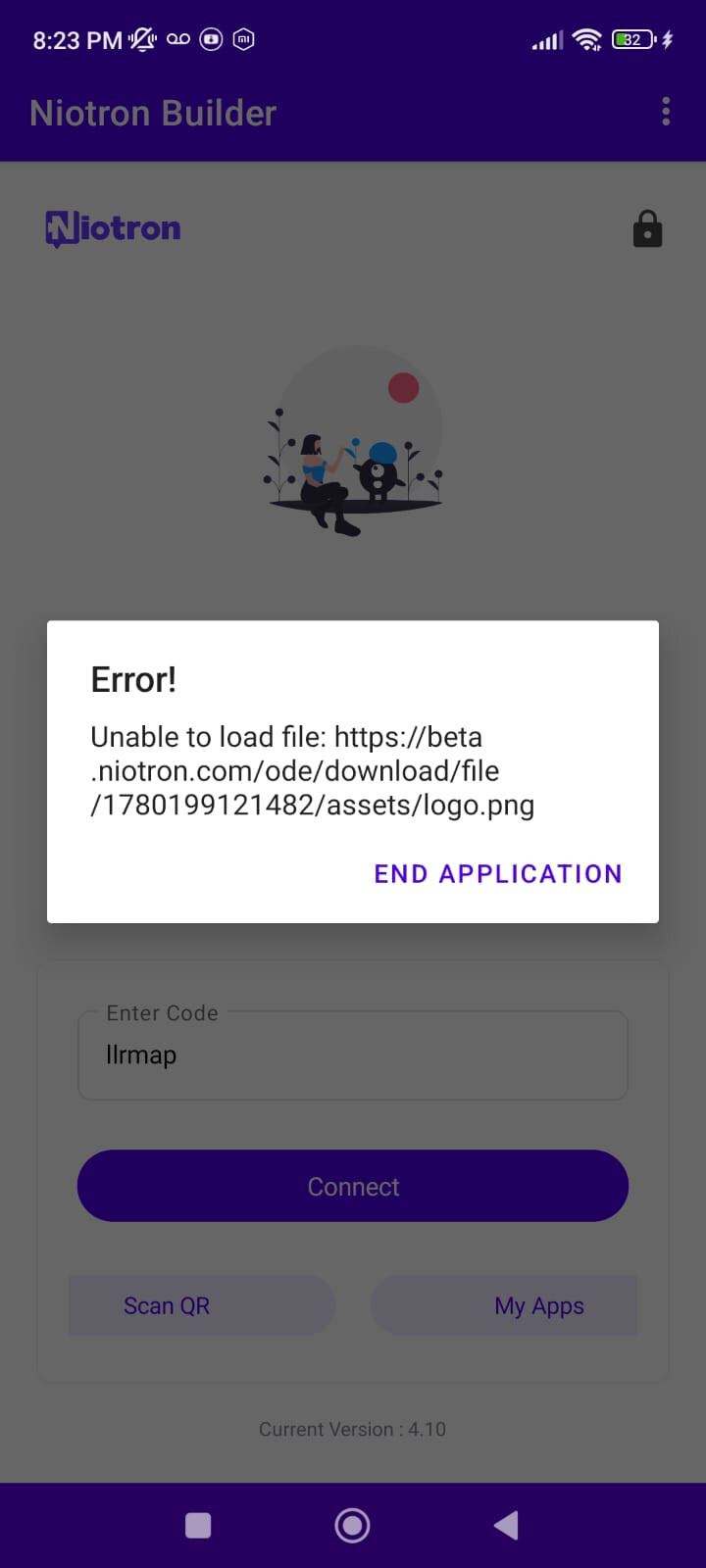
I cannot migrate my project from Beta to Builder because Niotron reports that the project is not compatible. On top of that, I cannot even test my project using the Companion because it fails to load the Assets files.
This is extremely disappointing. Instead of making development easier, these issues create more obstacles and waste valuable time. Developers expect updates and new tools to improve compatibility and stability, not introduce additional limitations that prevent projects from working.
A development platform should provide a smooth migration path between versions and ensure that essential tools like Companion work reliably. When basic functions such as project migration and asset loading fail, it becomes difficult to trust the platform for production projects.
Niotron has great potential, but problems like these make developers question whether the platform is ready for serious long-term use.
Another recurring issue is that copying a screen often generates unexpected errors. In many cases, the screen is not duplicated correctly, resulting in broken components, corrupted configurations, or project instability.
What makes this even more frustrating is that the only reliable workaround is to download the project, delete the problematic screen, and then upload the project again. Developers should not have to perform these kinds of manual recovery procedures for such a basic operation.
Screen duplication is a fundamental feature in any visual development platform. It should work consistently and predictably without introducing errors into a project. When a simple action like copying a screen can corrupt part of an application, it significantly impacts productivity and developer confidence.
Issues like these, combined with migration problems and Companion failures, create the impression that stability and quality assurance are not receiving enough attention. Before introducing new features, the platform should focus on ensuring that existing functionality works reliably and consistently.
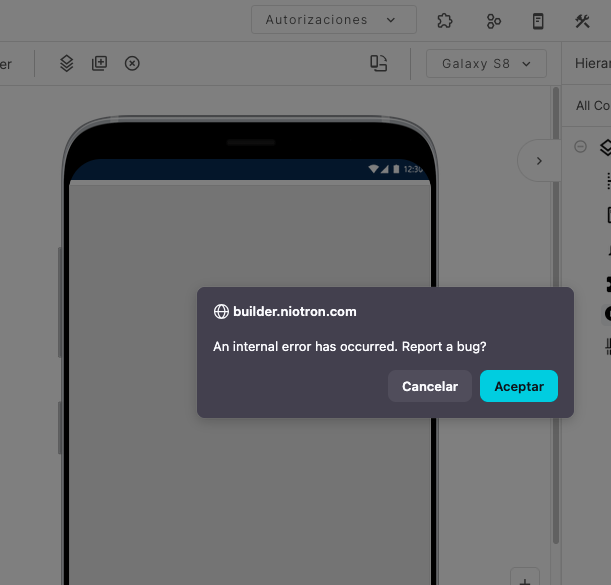
I was unable to replicate the issue, when you face the issue and see the report a bug dialog, click accept and send the error message here so that i can debug it.
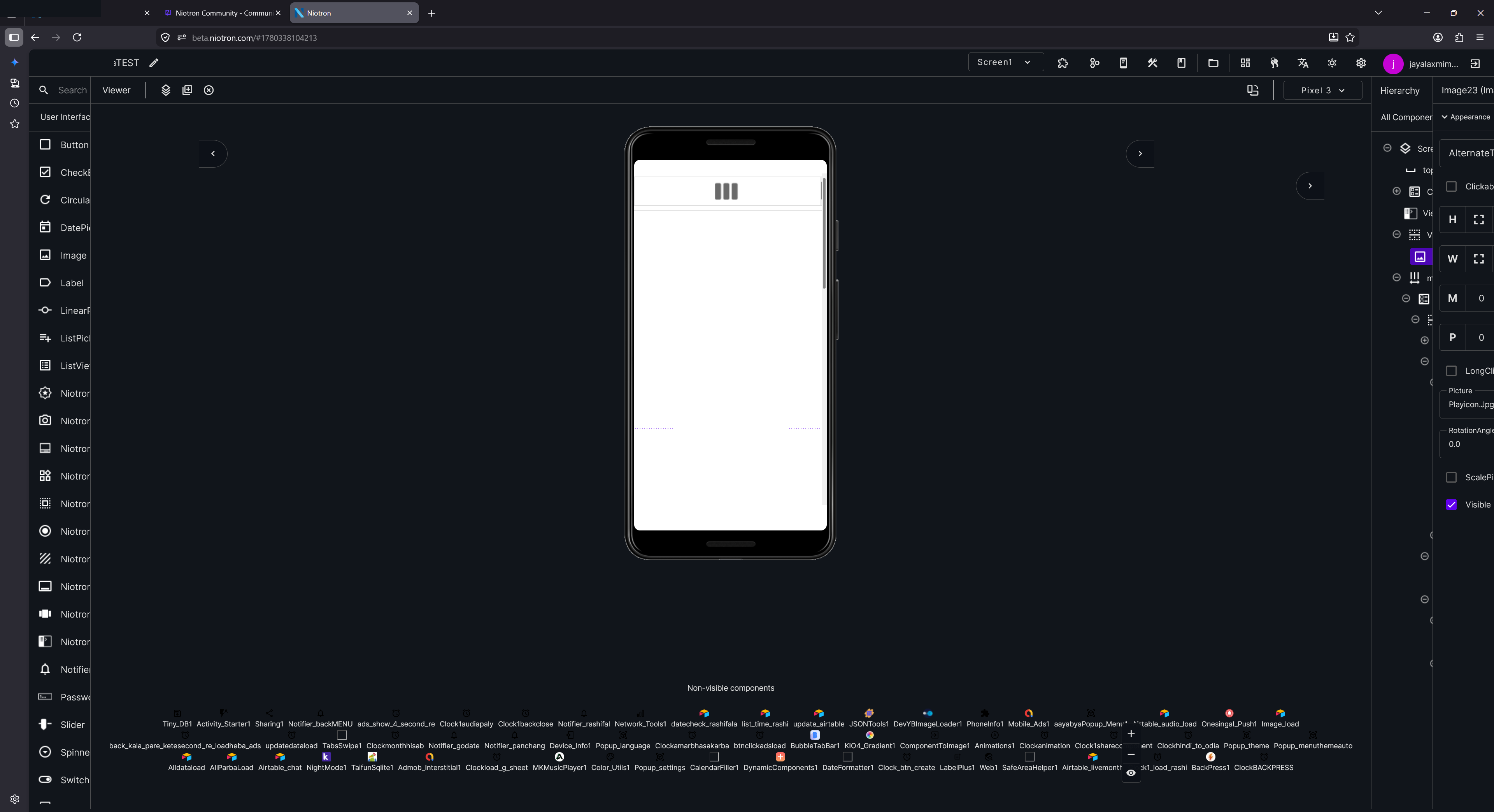
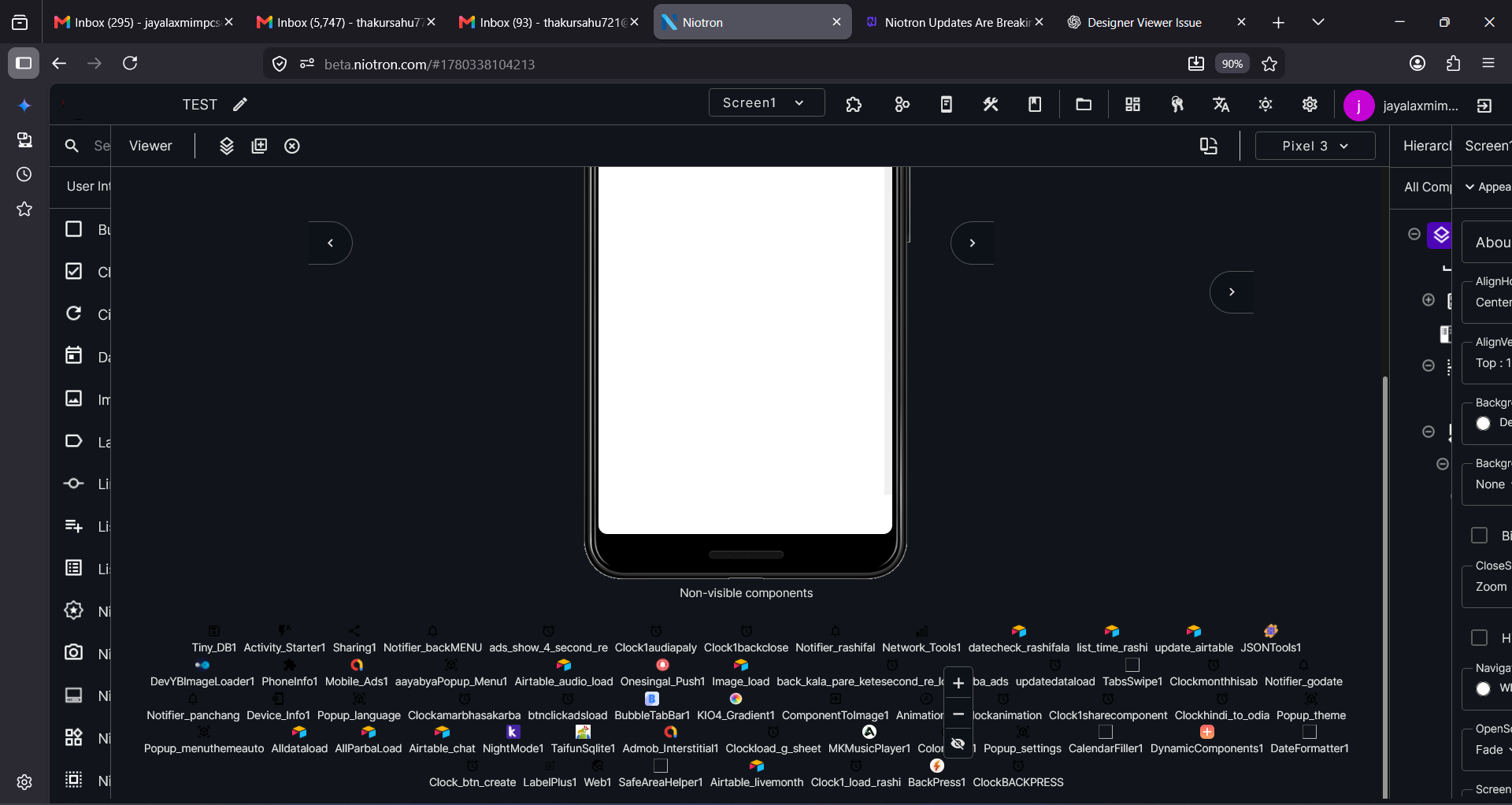
Issue: Designer Preview is not fitting properly and becomes compressed/misaligned when opening projects with many non-visible components.
Yes, I already tried clearing the browser cache and performed a hard refresh, but the issue still exists.
The layout appears in this broken state immediately when I open the builder. I have also tested with different zoom levels and refreshed multiple times, but the screen preview is still not fitting correctly.
This seems to happen especially in projects that contain many non-visible components. The Designer view becomes compressed/misaligned inside the device frame.
Please check if this is related to the latest Beta update.
Issue: Back Button / Back Press behavior is inconsistent on Android 16 devices.
I have tested the same app on two Android 16 devices:
Vivo T4 (Android 16) → Back button works correctly.
Motorola G57 (Android 16) → Back button does not work properly.
This may be related to Android 16’s new Back Navigation (Predictive Back) rules. Vivo seems to be handling it through custom modifications, while Motorola appears to follow the stock Android implementation more closely.
Because of this, an implementation that works on one Android 16 device may fail on another Android 16 device.
Please ensure that Niotron’s Back Press / Back Button handling follows the official Android 13–16 back navigation guidelines and is compatible across:
The current behavior is inconsistent across manufacturers, which may indicate that the back handling implementation needs to be updated for newer Android versions.