Why is it that in the Extension IDE section, when the program file is compiled, the descriptions are not compiled as UTF-8 and non-English texts are displayed as question marks?
Could you please provide further details regarding the issues you are encountering, and also specify the version of FAST-CLI that you are currently utilizing?
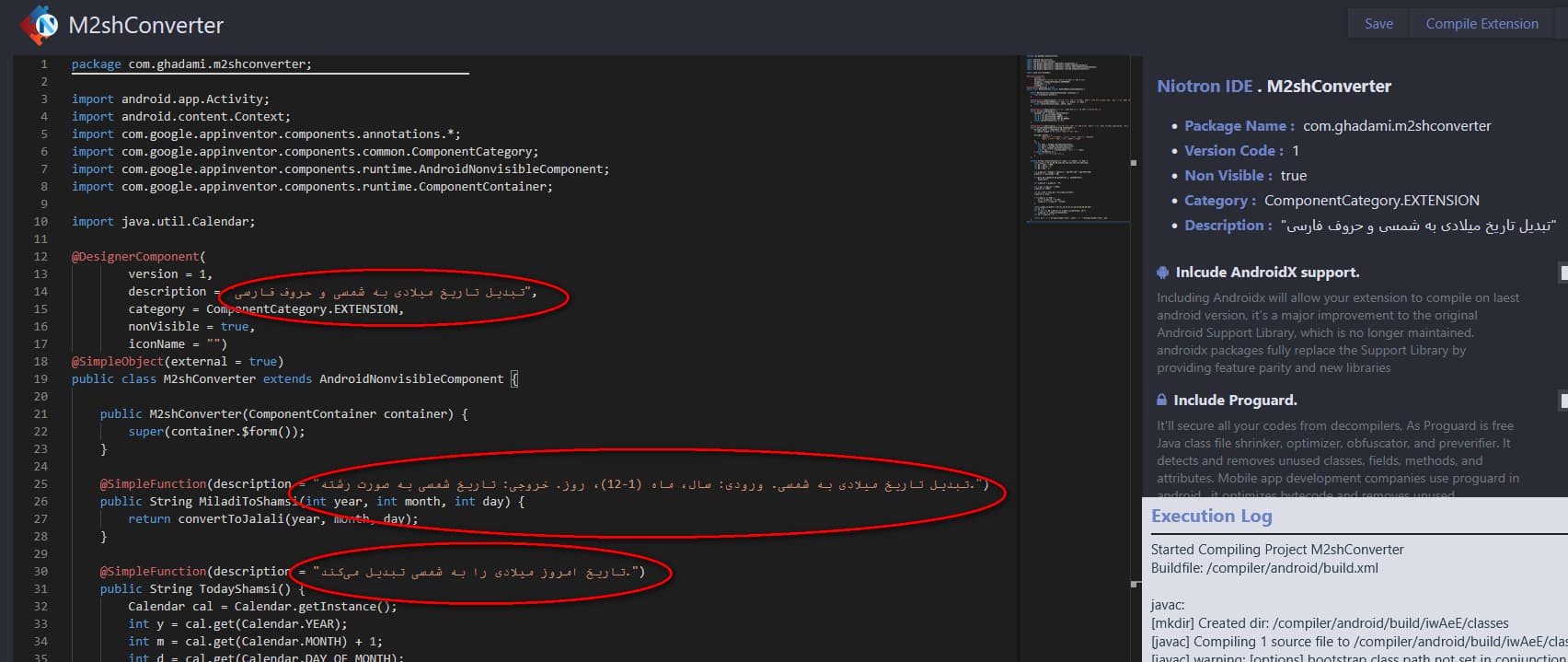
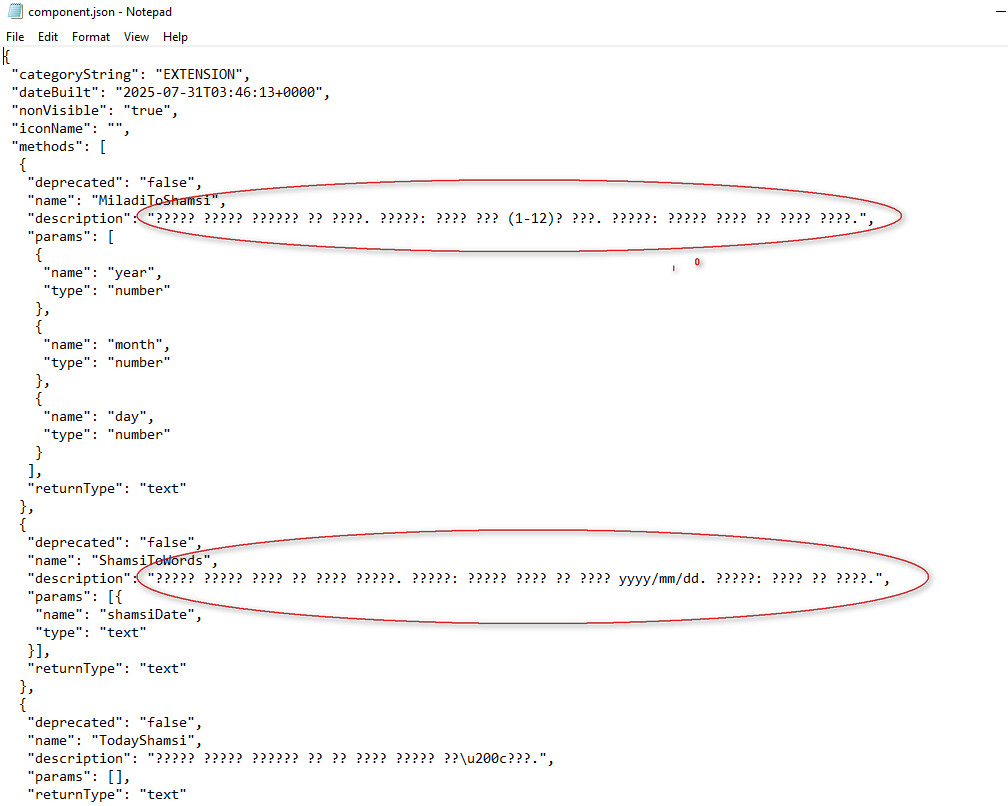
Try the new FAST-CLI, it’s compile extensions with UTF-8 encoding. Hopefully, Niotron will resolve it soon for Niotron IDE.
You mentioned that the new FAST-CLI should be tried since it compiles extensions with UTF-8 encoding.
Over the past week, I followed the forum instructions to install FAST, created a new extension, and attempted to use non-English text in the block descriptions. However, I discovered that FAST, similar to Niotron IDE, does not properly support UTF-8. After running fast build and generating the AIX file, the non-English text appears incorrectly, as shown in the attached image.
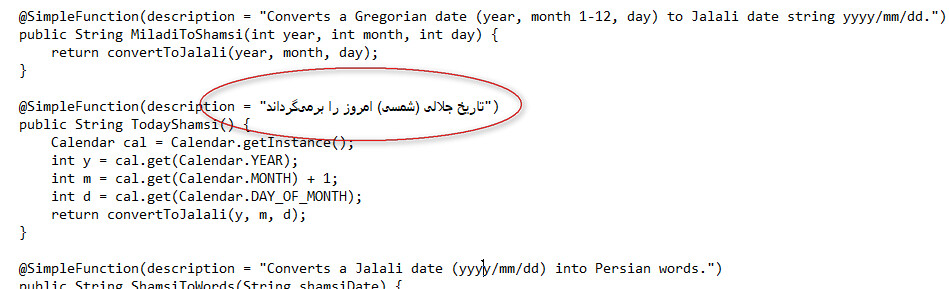
Plugin image after fast build
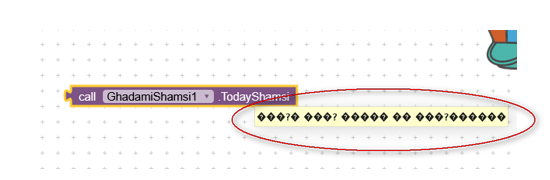
Is there a way to compile the Java file with proper UTF-8 support so that the AIX extension is generated correctly?
Please check the components.json file to verify the string’s compatibility, as MIT App Inventor 2 may not fully support non-English text.