Hi everyone,
I’m experiencing an issue in my app: the bottom navigation icons sometimes overlap with the Android system navigation bar (home/back buttons).
This problem doesn’t happen on all devices, only on some (I haven’t identified exactly which Android versions or navigation types cause this issue).
In other platforms/builders there is a Safe Area (SafeAreaView) option that automatically adjusts the layout to avoid this overlap, but I couldn’t find anything similar in Niotron.
Here are some screenshots showing the problem:

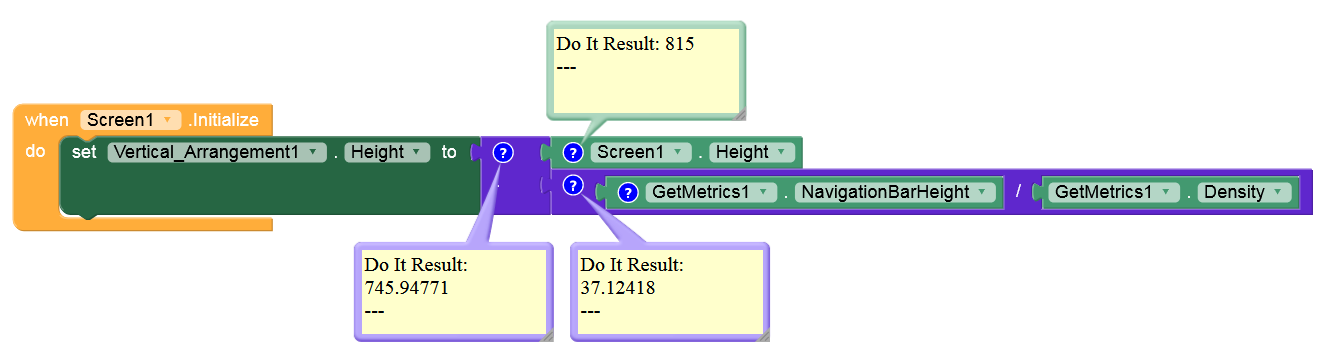
 Question: Does Niotron have a built-in solution for handling safe area on different devices? Or do I need to use a workaround (like adding dynamic padding at the bottom)?
Thanks in advance for your help