AI-Powered Extension Generator for Visual Android Development
This video showcases an intelligent solution that uses artificial intelligence to simplify and speed up the creation of custom extensions for visual Android app development environments.
Through natural language interaction, the system understands project structures, components, and logic, then automatically generates Java-based extensions tailored to specific needs. It can analyze uploaded project files, interpret schemas, and propose multiple optimized extension alternatives for the developer to choose from.
Key features:
Conversational creation of extensions
Automatic analysis of components and properties
Generation of multiple extension ideas and implementations
Scalable, clean, and professional architecture
Ideal for learning, teaching, and real-world app development
This approach removes technical barriers and empowers creators to extend visual apps with advanced native features, combining simplicity with professional-grade results.
Watch the video and discover how AI can elevate visual Android development to the next level.
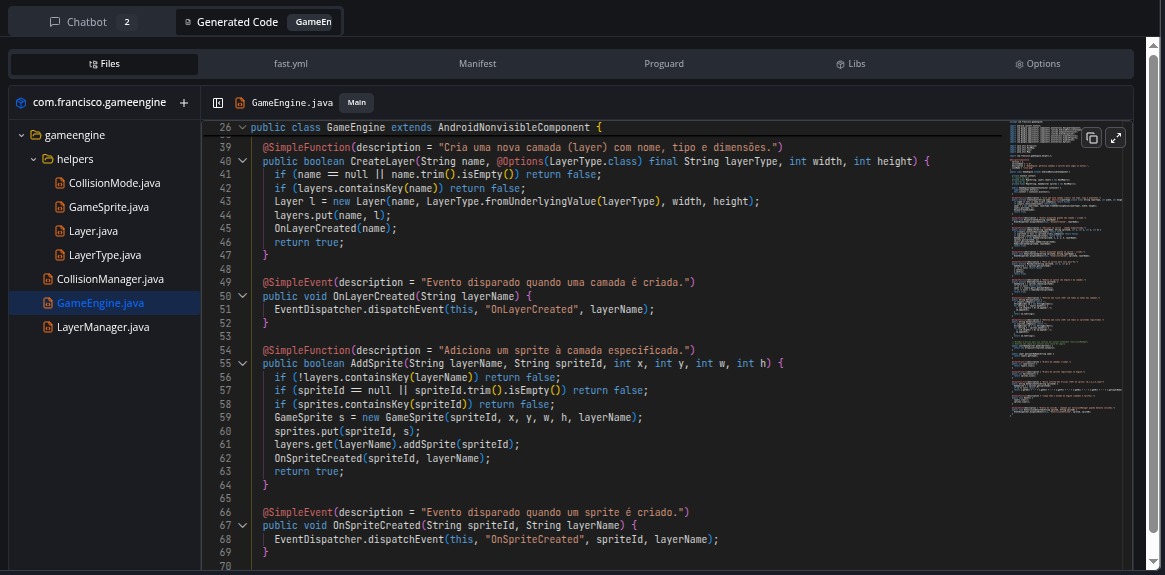
Automatic Code Organization: AI now automatically creates multiple files when needed - helper classes, enums, and separate extensions appear organized in the directory tree
Enums with@OptionsOptions: Automatic creation of Enums annotate@Options with @Options for parameters accepting selectable values (like colors, modes, shapes)
Smart Modularization: Code over 50 lines is automatically separated into helper classes for better maintainability
Multiple Extensions: Complex projects (200+ lines or independent features) are divided into separate extensions
File Management
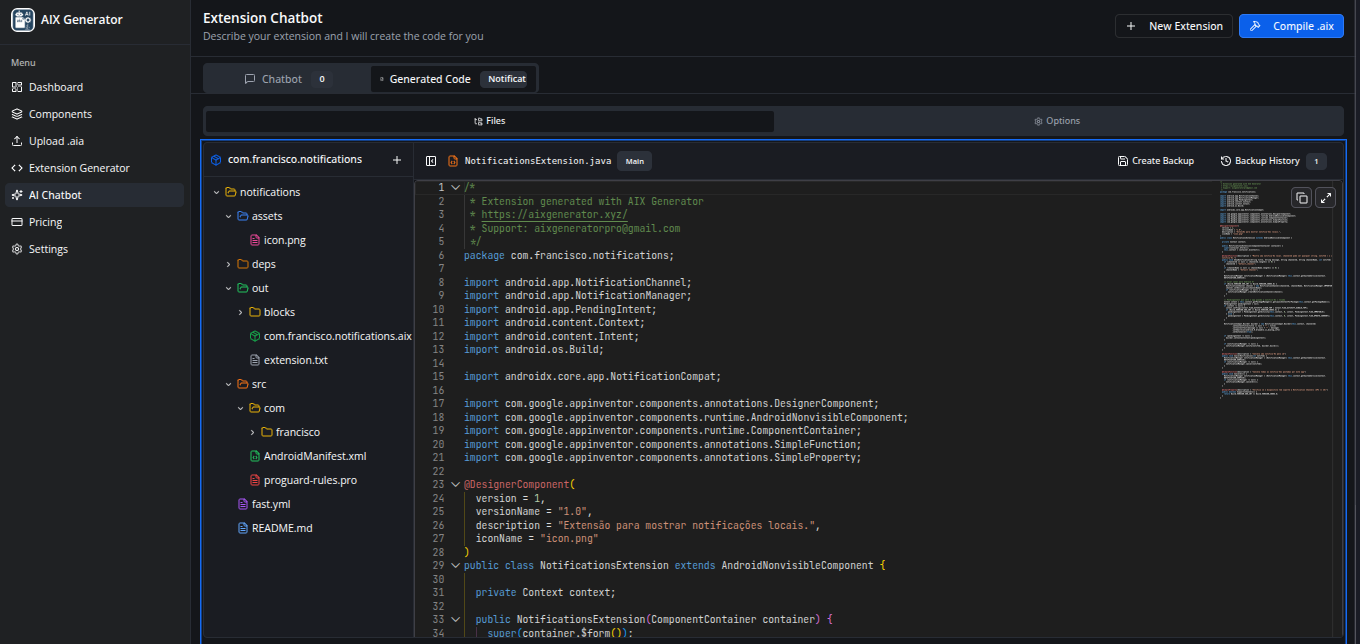
IDE-Style File Explorer: IDE-like interface with folder tree to manage multi-file projects
Library Upload: Support for manual .jar and .aar file uploads in the “Libs” tab
Manual File Creation: Add new Java, XML, or resource files directly in the explorer
Compilation
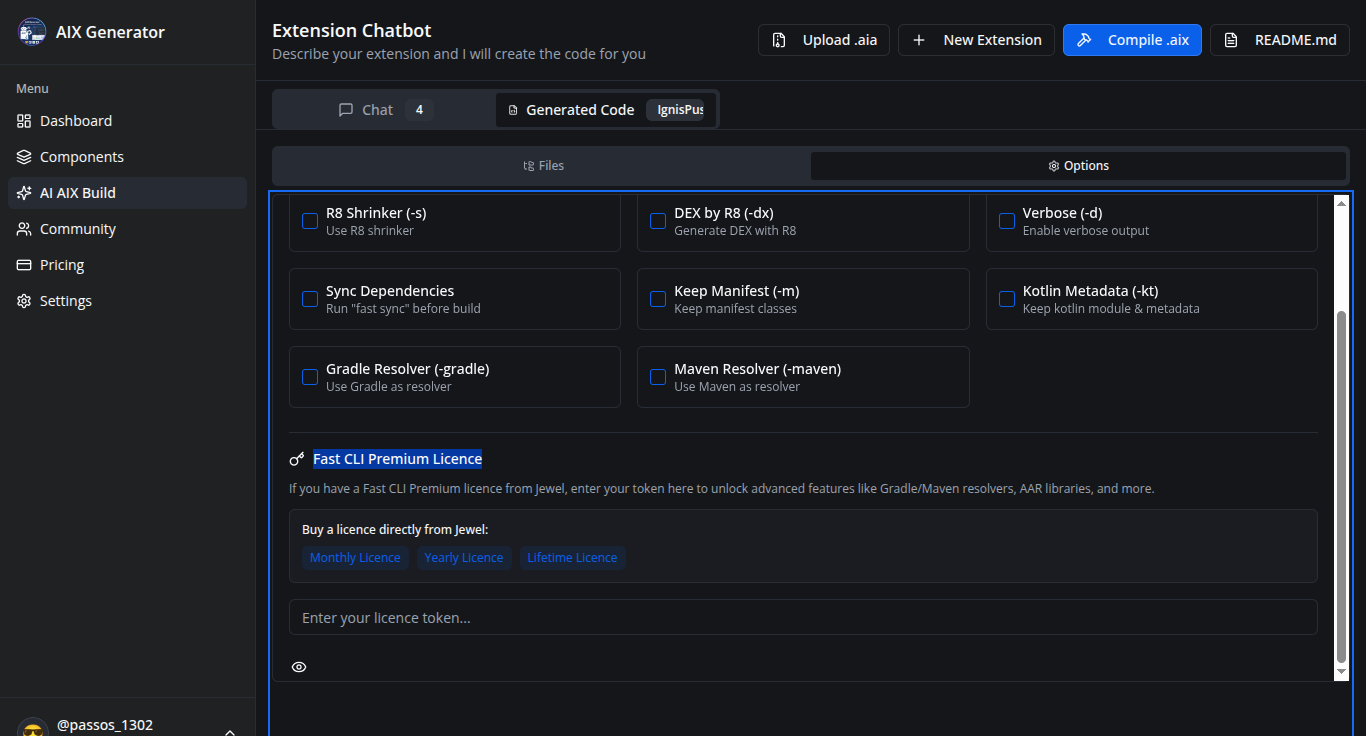
Automatic Fast Sync: Automatic download of remote dependencies before compilation
Headless Mode: Java compilation optimized for server environment
Interface
Monaco Editor (VS Code): Professional editor with syntax highlighting and Java autocomplete
Voice Input: Voice support to describe your extension
Configurable Font Size: Adjust chat font size in settings
Project Backup System
Save manual backups of your project at any time
History stores up to 10 backups locally in your browser
Automatic backup created before each compilation
Restore any previous version with one click
Each backup preserves all files, Java code, configurations, and helpers
Extension Icon Upload
Upload PNG/JPG icons directly in the “Options” tab
The fast.yml file is automatically updated with the assets: section
All Java extensions are updated with iconName = "your_icon.png"
Icon preview with option to remove
Icon automatically included in compilation
AI Chatbot Improvements
File autocomplete with “/” - type “/” in the chat to select specific files
AI preserves existing files - helpers and extensions are never auto-deleted
Intelligent merge system - updates files by name, adds new ones, preserves unmodified
Analysis/verification responses don’t modify your code
Credits and Support
Generated file headers include AIX Generator credits
Resizable file tree - Users can now drag the right edge to resize the file explorer width (200-600px range)
Individual file download - Ultimate users and admins can download any file via the three-dot context menu
Code & Options Tab
Removed redundant icon upload - The separate icon upload section was removed since images can now be uploaded directly to the assets folder in the file tree
Bug Fixes
Fixed config files disappearing - Configuration files (fast.yml, README.md, AndroidManifest.xml, proguard-rules.pro) were intermittently disappearing from the file tree; this has been resolved by properly preserving existing config files during state updates
Error: ENOENT: no such file or directory, open '/tmp/ext_xxx/assets/images/media.png
Here’s a clean and clear version in English, tailored for AixGenerator documentation or guidelines:
Icon Reference Requirement for AixGenerator Extensions
In AixGenerator, the icon reference in extensions must always be declared exactly as shown below:
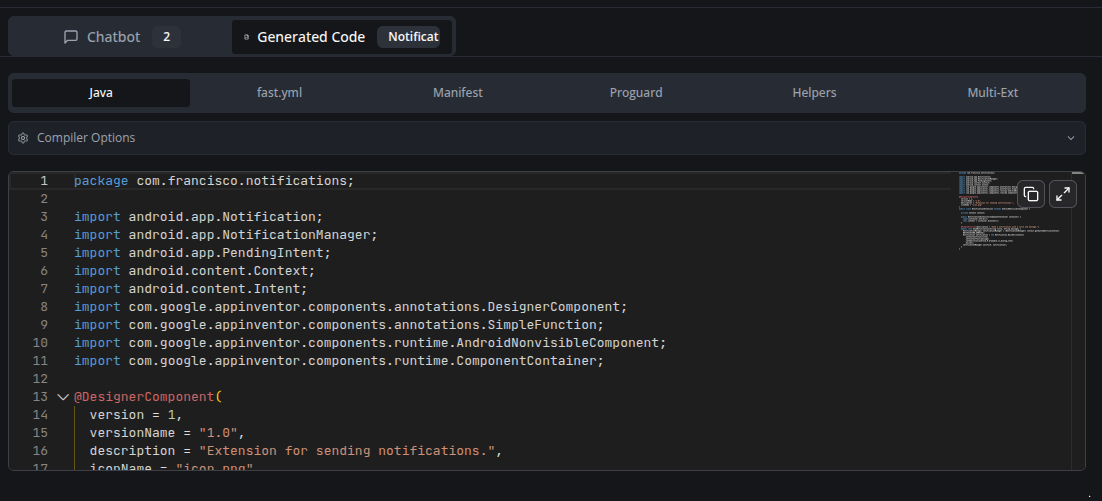
@DesignerComponent(
        version = 1,
        description = "Simple extension to convert words (pt-BR) into integer numbers (long)",
        iconName = "icon.png"
)
Important rule
The icon file must be named exactly:
icon.png
And it must be correctly included in the extension assets.
No other file name or path should be used.
Common Error and How to Fix It
If you encounter an error similar to the one below:
{
  "error": "ENOENT: no such file or directory, open '/tmp/ext_26398728_2ca9eed9-ba47-4bf5-964b-aef11a9d1022_1769270441883/assets/images/media.png'",
  "fastLogs": "",
  "packageName": "com.yourpackage",
  "extensionName": "ExoVideoPlayer"
}
What this means
This error usually indicates that the extension is trying to load an icon file that does not exist or is incorrectly referenced.
What the user must check
Ensure the icon file is named exactly: icon.png
Ensure the annotation uses:
iconName = "icon.png"
Make sure the file is present in the correct extension assets directory
Tip
Most ENOENT icon-related errors in AixGenerator are caused by:
Wrong icon file name
Wrong icon path
Using a name different from icon.png
Keeping this standard avoids build and packaging issues.


 Important rule
 What this means
 Tip
Tip